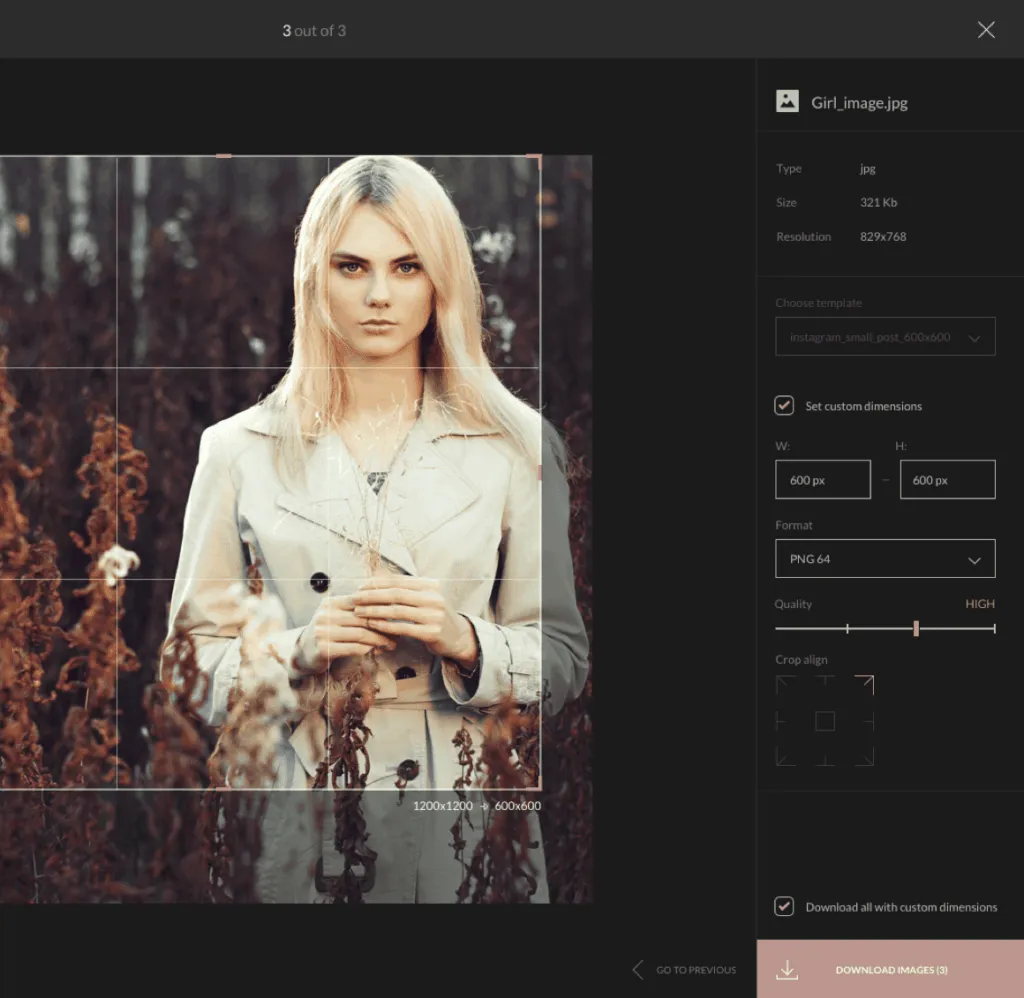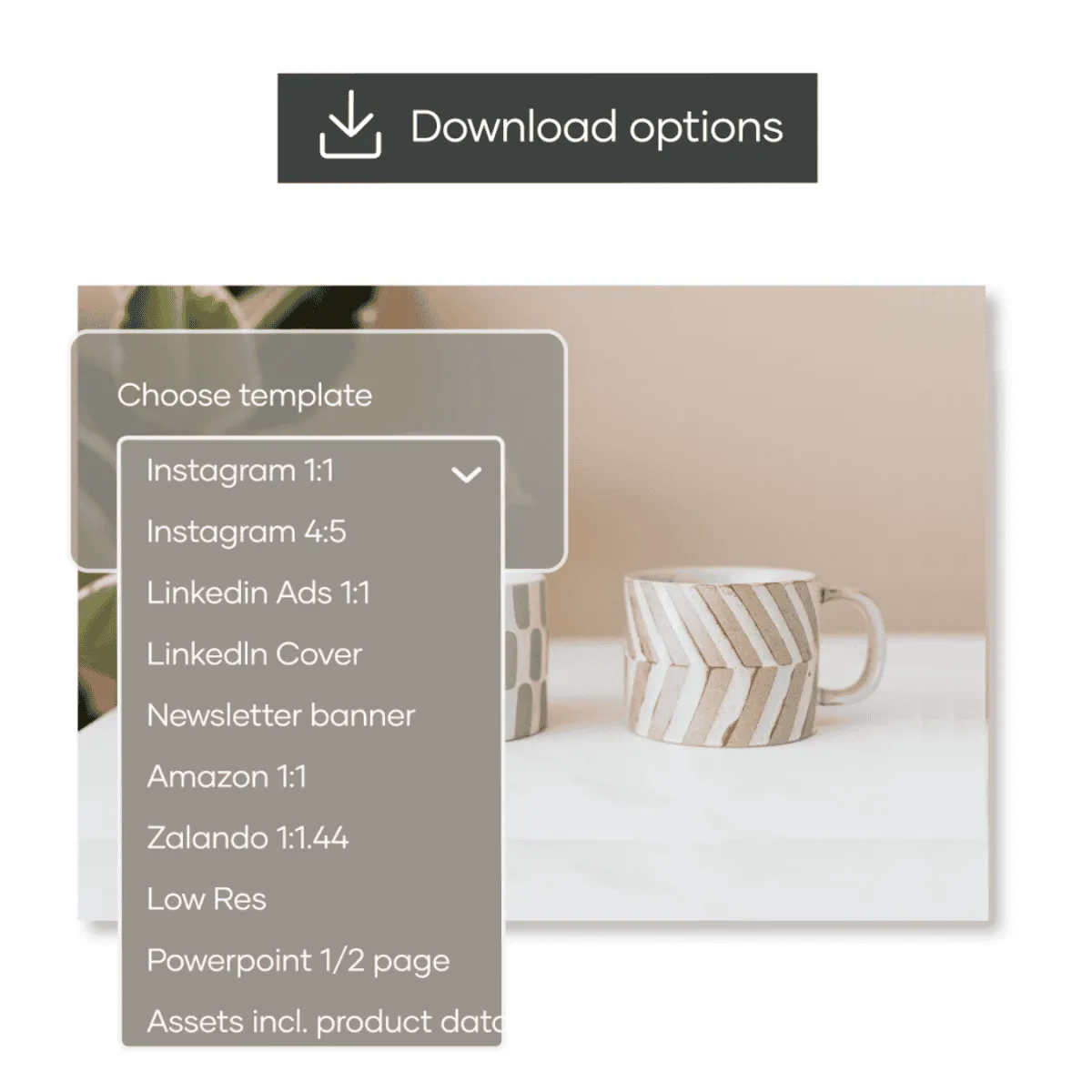
Use download templates

Examples of Kontainer download templates
Take your image handling to the next level with predefined download templates. And free your designer from repetitive reformatting tasks.
Standard template sizes & guides

Set templates for quick download and online use

Tailor formats to match the different requirements of colleagues, marketplaces, distributors, agencies, etc. In the template builder, you have the flexibility to edit various aspects of your images, including:

Icon share

Change file type

JPEG, PNG, TIFF, BMP, WEBP
crop icon

Determine crop

Pixels x Pixels
Icon image

Scale & resize

& add inner margin
icon link

Automate

Integration output
Product information management

Color profiles

Embed & convert
agreement icon

Auto-rename

Naming conventions
Find out more
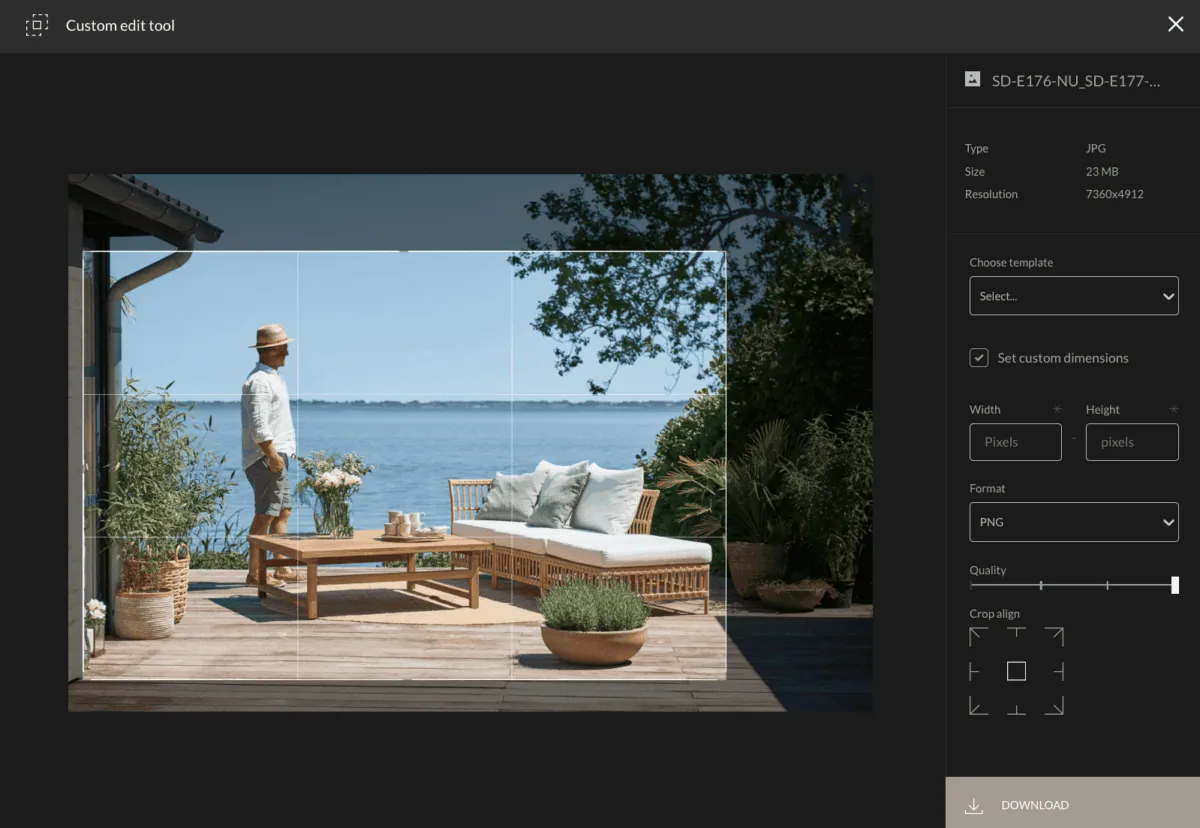
tagging and crop image

Kontainer’s built-in formatting studio offers a wide range of capabilities to customize your images before downloading or using them online. This powerful feature is a time-saver that ensures correct image usage.


When you predefine download options, you streamline workflows and gain happy users. One or two clicks for them means compliance for you.


You can eliminate messy duplicates, crops, and sizes by replacing them with download options.

Clients across industries, from fashion brands to charities, love Kontainer’s template builder. They can quickly and efficiently customize their images without advanced design software or technical expertise. This enhances productivity and ensures brand consistency and compliance with visual guidelines.


One of the key advantages we see is significant time savings for internal and external users. Having predefined templates eliminates manual adjustments that lead to avoidable mistakes. And with the templates available, there is no need to store messy duplicates. With predefined templates, users access images and instantly obtain the desired format with just a click of a button.

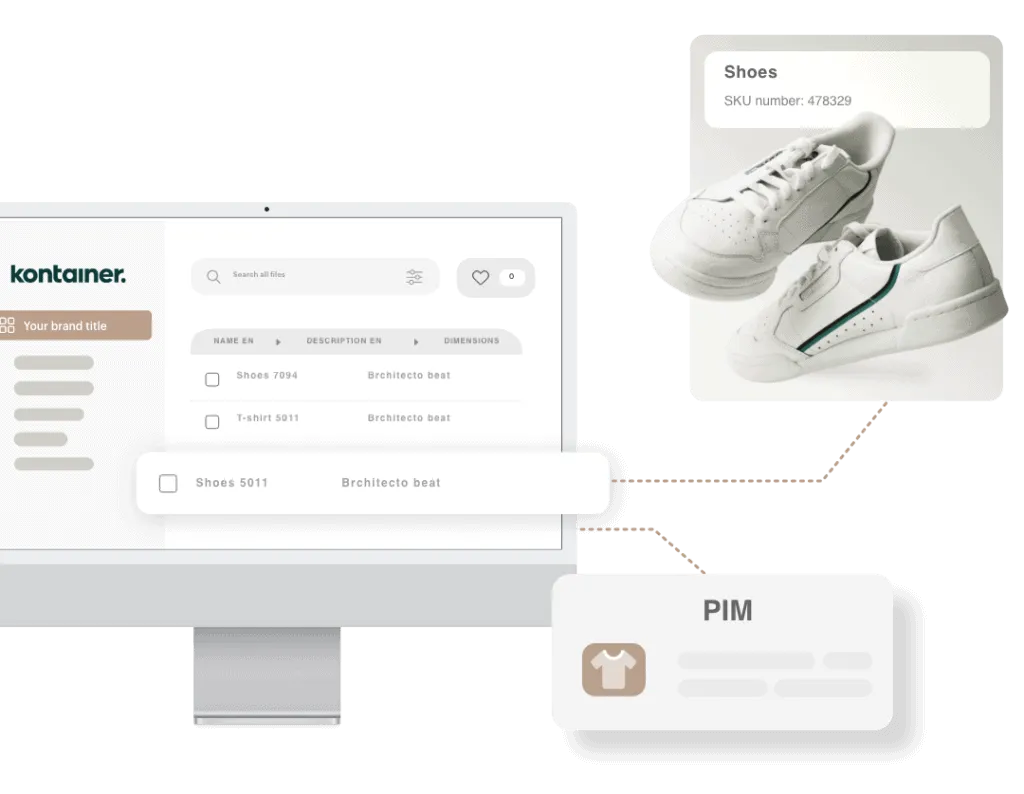
PIM system
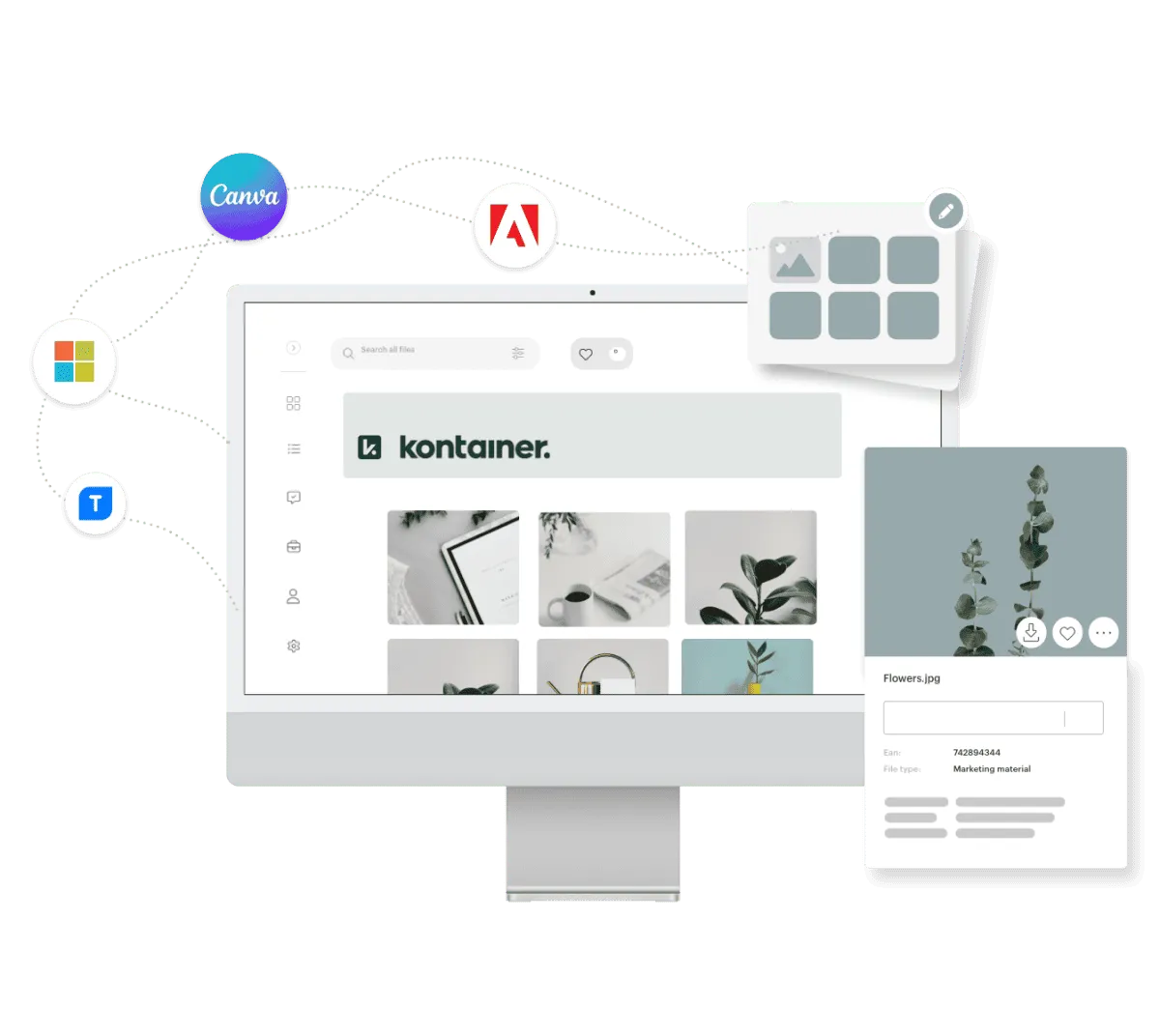
DAM integrations to Canva, Adobe Creative Cloud and Microsoft Office 365

Using Kontainer’s formatting studio and downloading templates, you can skip manual resizing and reformatting in external tools like Adobe Photoshop, Figma, or Sketch. This simplifies your workflow and saves you the hassle of searching various folders and drives for a specific version of an image.


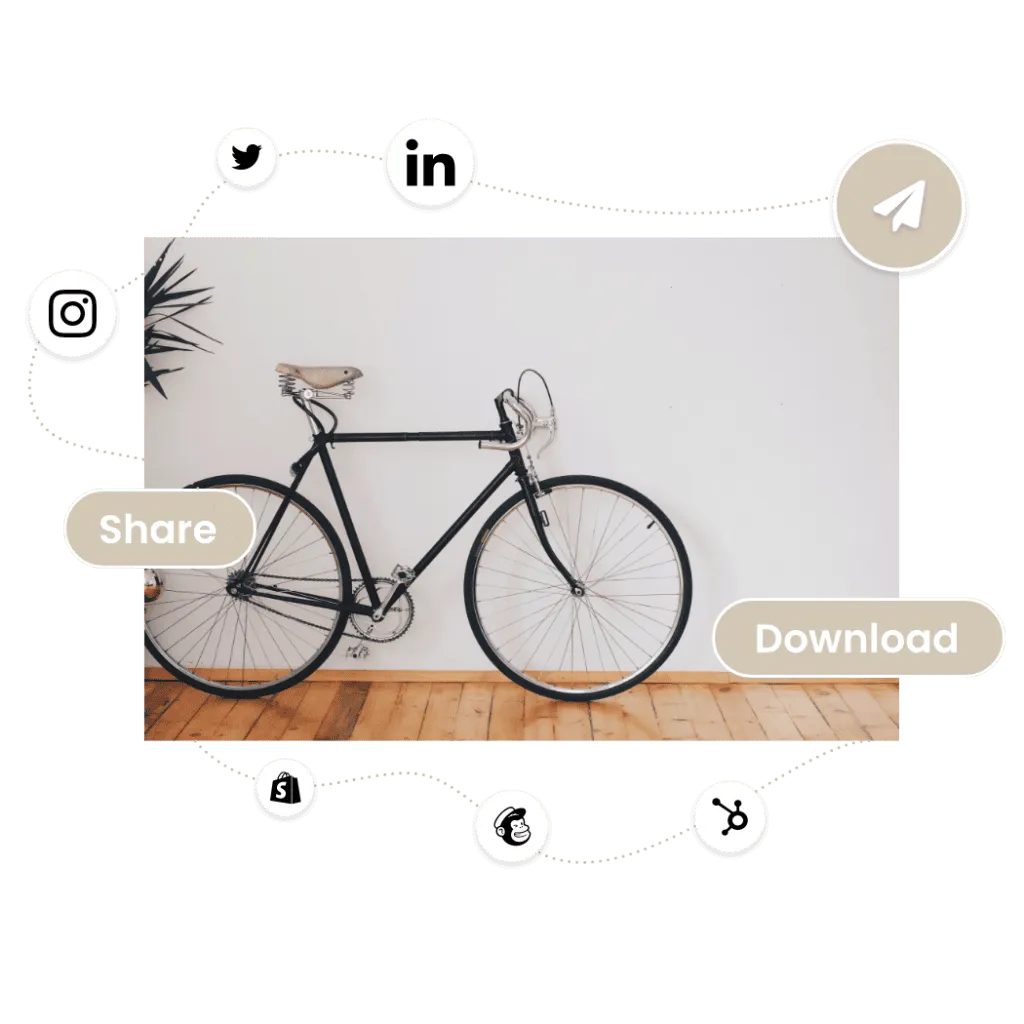
In Kontainer, you can quickly locate a picture and download it in the desired format, such as a LinkedIn banner or an Instagram post, without any delay or risk.


While LinkedIn banners may only be relevant to some organizations, the concept is versatile. You can create templates based on your specific needs and requirements.

Popular uses for download templates
pencil icon

Agency

Resolution & file type
agreement icon

Reseller

File type & tagged data
approved icon

Social Media

Crop specs & file type
Folder archive icon

Website

Crop specs & file type
Consent icon

Press

Resolution & file type
Share icon

Newsletter

Crop specs & file type

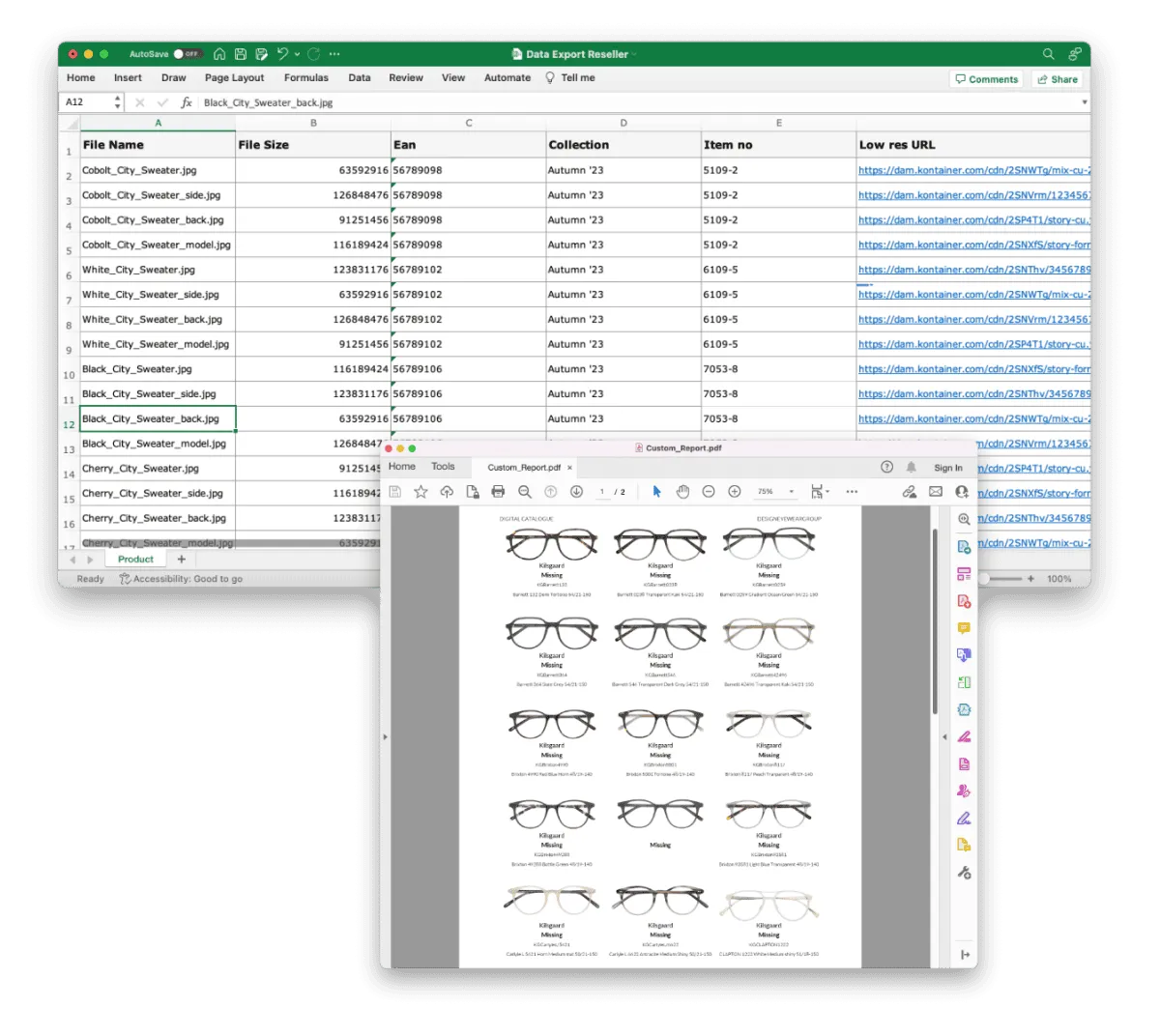
Kontainers data and asset tagging capabilities further expand the template manager with options to create custom outputs like:


·      Excel spreadsheets for marketplaces
·      PDF product sheets for sales
·      HTML for landing pages
·      Editable Word documents


This type of template runs on any data tagged on assets or stored in the PIM. It is 100% customizable and will work on any data/document format.

Examples of Kontainer Data Export & Custom Reports
Kontainer PIM DAM View

Using Kontainer download templates means you don’t have to worry about the end user’s capabilities. When you have specified the download formats, they will get precisely what they need.


While your images might be large TIFF files, the formatting templates offer quick access to any other format users want JPEG, PNG, high res, low res, crop, etc.


Suppose you deliver packshots to a webshop that requires a grey background instead of transparent. You set up a download template and download all those packshots with a grey background at the click of a button. Or better yet, Kontainer automatically sends new pictures to the webshop.

When you are delivering pictures in a standard format online, we’ll often recommend setting it up as an automated integration. Whereby you set the template parameters, and we will automate delivery.


To continue the packshot example above, a formatting template is set up, and we build automation on top of it. New packshots added to a specific folder or tagged for publication will be picked up by the automation and sent to the webshop.


Kontainer becomes integral to the digital ecosystem as brands scale and grow. The system continuously stretches and flexes to match new requirements.

DAM integrations to Canva, Adobe Creative Cloud and Microsoft Office 365
Effizientes Marketing mit Kontainer Bilddatenbank

Customize and optimize your file and data usage with Kontainer. Modifying export formats, qualities, cropping, scaling, resizing, automatic renaming, color adjustments, and automated delivery gives you complete control over your asset management processes.


Kontainer DAM is built on the principles of combined user-friendliness and flexibility. The template creators perfectly exemplify how the platform combines these principles in the intuitive interface.


You don’t need a professional designer to reformat your images. The template creator empowers you to modify and adapt Kontainer images to your requirements.

''Kontainer's download options saves us so much time. We can quickly get images at the exact specs we need them.''

- Charlotte, Web Manager

Contact customer success

Do you have any questions about download options, or would you like to learn more?


Get in touch
Email: bl@kontainer.com

Phone: +45 33 11 20 03


Book a meeting
Portrait of Bjorn L from Kontainer Customer Success
Integrations
Cases
Contact
News
  • PIM
    1. Product Information Management
    2. Features
    3. Integrations
    4. ESG & CSRD
    1. PIM – Shopify Connector
    2. AI in Kontainer PIM
    3. Implementation PIM
  • DAM
    1. Digital Asset Management
    2. AI in Kontainer DAM
    3. Brand Platform
    4. Photo Consent Tool
    1. Features
    2. Integrations
    3. Implementation DAM
    4. Video content management
  • Customers
    1. Client cases
    2. Design and lifestyle brands
    3. Manufacturing
    4. Public Administrations
    1. Hospitality & Leisure
    2. Fashion Kontainer
    3. NGO's
    4. Architects, engineers and contractors
    1. Educational institutions
    2. Healthcare
  • About
    1. About us
    2. Contact
    3. Customer Success
    4. API Integration
    1. FAQs
    2. Find a partner
    3. Become a Partner
  • Pricing
    1. DAM Pricing
    2. PIM Pricing
  1. Book demo
    Free trialFree trial
    • English
    • Dansk
    • Deutsch
    • Nederlands
    • Svenska

Copenhagen
Studiestraede 19, 4, 1455 København
+45 3311 2003

München
Landsberger Straße 155, 80687 München
+49 089-54558206

News
  1. What is a Digital Asset Management (DAM) System?
  2. The great guide to Product Information Management (PIM)
  3. Improve your ROI with a DAM integration to your webshop
  4. Kontainer is GDPR compliant
  5. Dropbox Alternative
  6. See all News
Industries
  1. Fashion Kontainer
  2. Image bank for architects, engineers and contractors
  3. Manufacturing
  4. Hospitality & Leisure
  5. Image Bank for NGOs
  6. Image bank for Public Administrations
Solutions
  1. Digital Asset Management
  2. Product Information Management - PIM
  3. Photo Consent Tool
  4. File Management
  5. Sales Presentation Tool
Contact & Security
  1. Contact
  2. Find a partner
  3. Become a partner
  4. API Integration
  5. GDPR, Security and Hosting
  6. Terms and conditions
  7. Cookie & Privacy Policy
  8. FAQs
Choose language
  • English
  • Dansk
  • Deutsch
  • Nederlands
  • Svenska
Rated 5 out of 5 on G2Rated 4.5 out of 5 on Capterra
Copyright 2026 Kontainer All rights reserved.
  1. Imprint
  2. Sitemap