
Description
Smooth course creation with images, videos and files from Kontainer
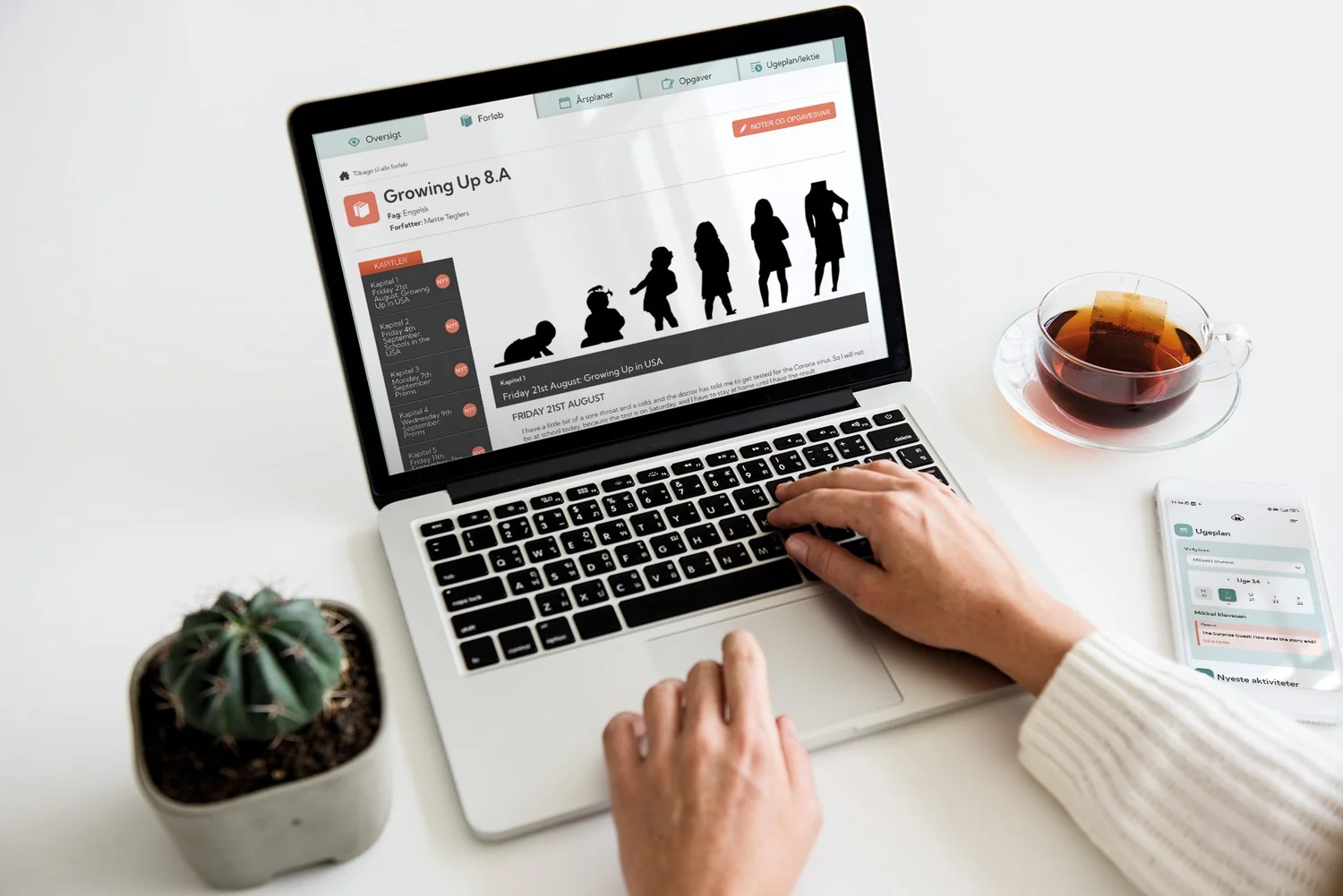
The Kontainer integration for the Meebook learning platform makes it easier for educational institutions to build digital learning sequences (courses) using images, videos and other resources directly from Kontainer DAM.
With Kontainer’s filepicker, teachers and instructors can quickly search for and insert visual materials directly into Meebook’s course builder without leaving the Meebook environment. All content is fetched directly from Kontainer DAM, where files are stored in a GDPR-secure manner and are organized and tagged with metadata that makes them easy to retrieve.
Every file in the DAM is enriched with metadata and relevant search filters, such as:
- Grade level
- Section
- Teaching subject
- Theme
- Media type
This ensures that instructors can quickly navigate the asset library and choose the right resources for their course. The result is more visual, varied, and inspiring learning sequences that save time for the teacher and provide better experiences for learners.
When teaching materials are shared across an educational organization, it is crucial that everything is managed in compliance with GDPR and applicable consent agreements. With Kontainer, institutions gain full control and documented compliance. This means schools and institutions can safely build learning sequences in the Meebook LMS, confident that the material meets all rules and guidelines.
Benefits
Advantages of the LMS ↔ DAM integration
✔ Use the filepicker without leaving Meebook’s course builder
✔ Easy search via metadata and other tags in Kontainer DAM
✔ GDPR and consent management
✔ Automatic management of file expiration dates
✔ Secure file sharing across the educational institution
✔ Video streaming without cookies
Features
Features
✔ Insert images, audio files, documents and videos
✔ Preview, edit, crop and replace files
✔ Stream video
✔ Filtered search and AI-powered search
✔ User rights management that ensures teachers have access only to materials they are allowed to use
Support
Links & Support
For questions regarding Kontainer integrations: contact via Kontainer support or call +45 33 11 20 03
For Meebook learning platform: see the official Meebook site
FAQ
What does an LMS integration to a DAM system mean?
An LMS ↔ DAM integration connects your learning management system (LMS) directly with your media library (Digital Asset Management). This means instructors and students can access images, videos, documents and other digital files from the DAM inside the LMS without needing to manually upload them.
How does the integration between Meebook LMS and a DAM system work?
When Meebook is integrated with a DAM like Kontainer, you gain a direct link whereby learning materials and files can be fetched via secure CDN links. This ensures fast access, high performance, and that all materials are always up to date in the learning sequences.
What are the benefits of linking a DAM system to an LMS?
- One central source for all teaching materials
- Better control over permissions and file versions
- Faster loading times thanks to the DAM’s CDN
- Ability to reuse digital assets across subjects and courses
Is the LMS integration with a DAM safe to use?
Yes. When connecting Meebook (or other LMSs) with Kontainer DAM, the integration is done via secure APIs and GDPR-compliant solutions. This offers data protection and control over who can access the materials.
What file types can be shared via an LMS ↔ DAM integration?
A DAM system supports virtually all types of digital assets — from images, graphics, and logos to videos, PDFs, PowerPoints, and interactive educational content. Once the LMS is integrated, you can freely use these files in learning materials without worrying about upload restrictions.