

“Kontainer keeps our assets organized, searchable, and always on brand, saving time, reducing chaos, and making collaboration effortless across teams.”




Ricola

SELECT SPORT
Red Cross

Gehl
Blue Water Shipping

Baum und Pferdgarten
AVK International

Sika-Design

GOSH Copenhagen
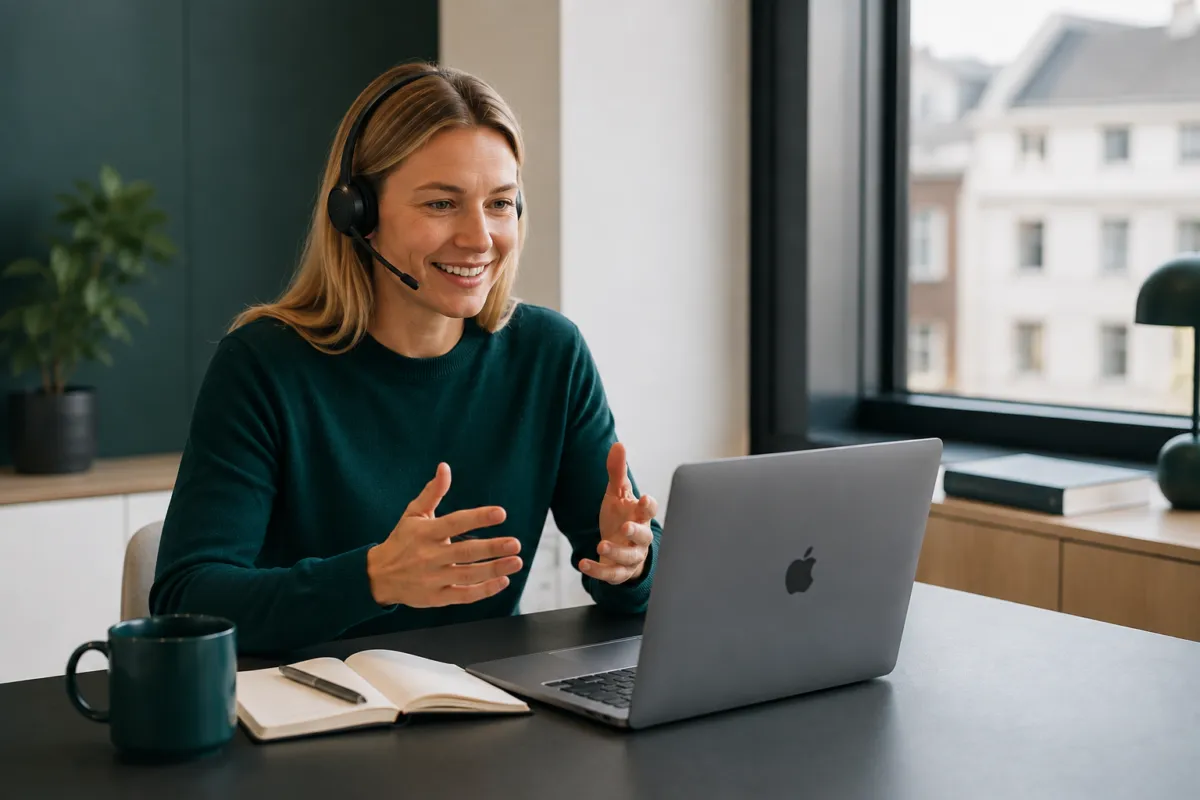

Charlie Pates
Digital Communications, Ricola
Our global teams can access the latest assets. It’s a massive time-saver.


Signe Reeholm
Head of Engagement, Red Cross
Kontainer gives us an overview of our images and ensures that the images used are approved and comply with the regulations.


Justin W.
CEO, Founder
"It's so intuitive, well-designed... 3 years in and we're thrilled"


Charlotte S.
Web Manager
"Many useful features for people inside and outside the organization"


José Eduardo S
Enoturism & IT
By using Kontainer we managed to provide an ease access to all of the material with less effort and time.
Integrate with all your favourite tools














































FAQ about video management and streaming
What is a video content management system (video CMS)?
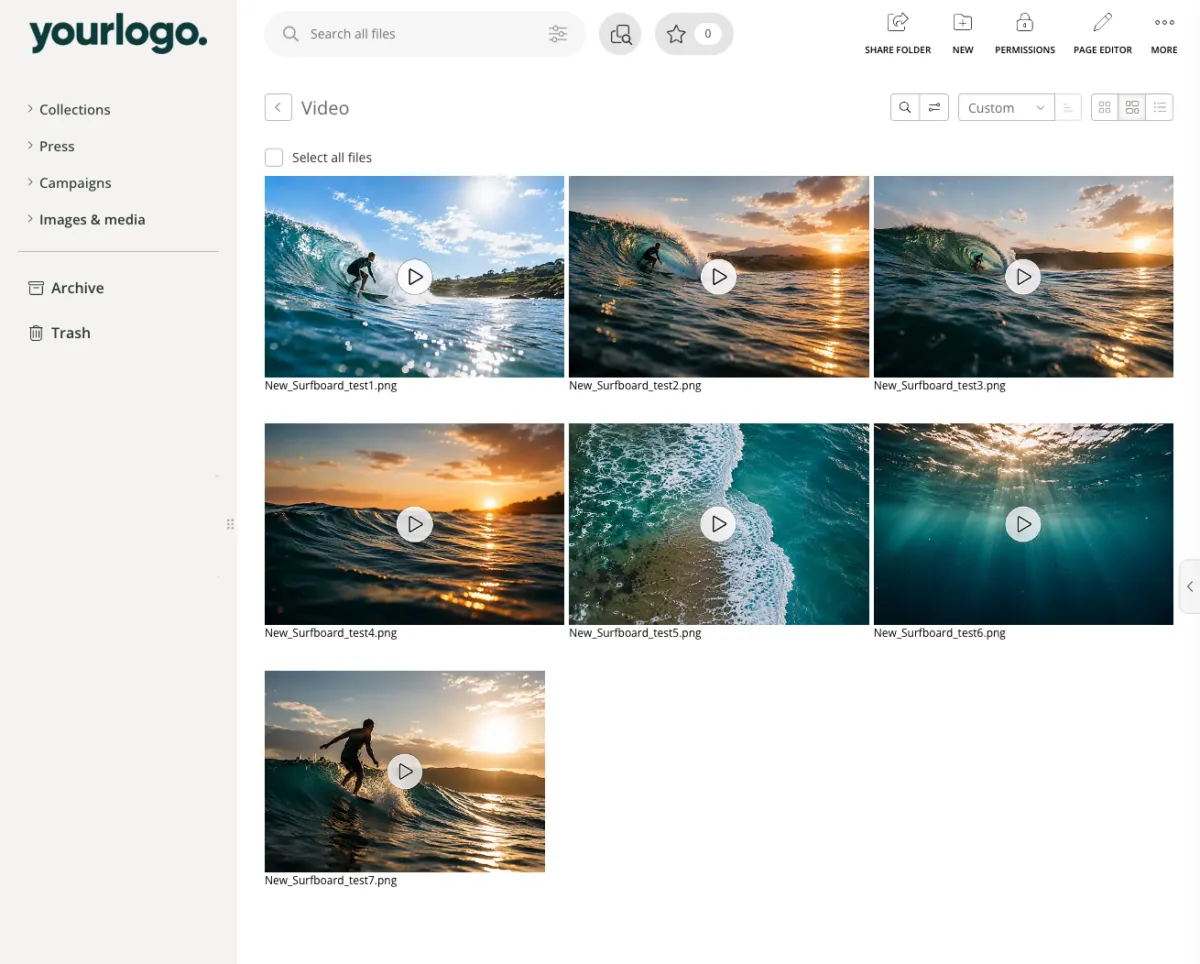
A video content management system is a centralized platform that enables businesses to manage, host, organize, stream, and distribute video content securely. With Kontainer’s video CMS, you gain full control of your video digital asset management, including structured storage, metadata, access permissions, automatic subtitles, GDPR-compliant streaming, and flexible download options – all in one professional solution.
Can Kontainer automatically generate subtitles for video?
Yes. Kontainer can transcribe speech in a video and generate subtitles automatically. The spoken language can be detected automatically, or you can choose a specific language. The generated subtitles can then be edited directly in Kontainer, where both text and timing can be adjusted.
You can also upload existing subtitles and translate them into other languages, making it easier to use the same video across multiple markets.
Can Kontainer convert videos to different formats?
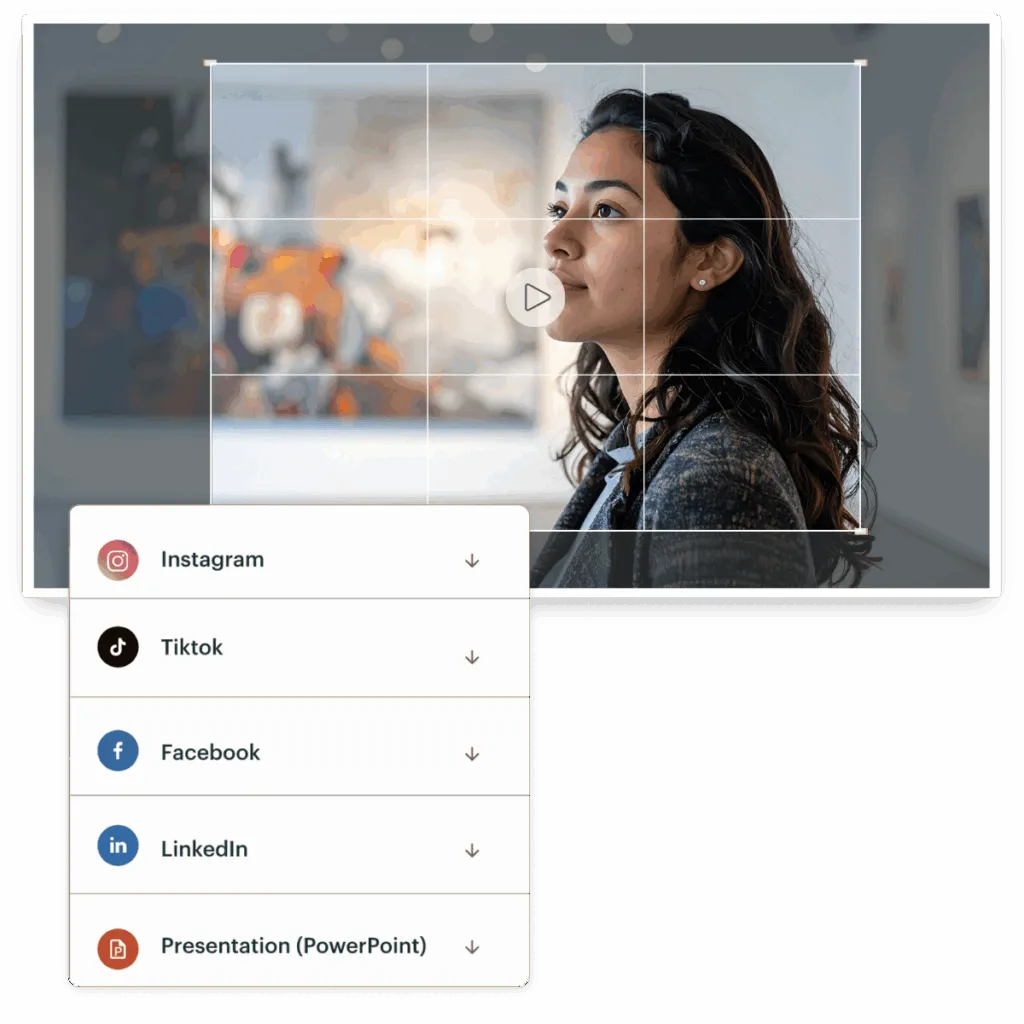
Yes. With video download templates, administrators can define fixed conversion profiles that users select when downloading a video.
A template can define file format, resolution, crop or scaling, frame rate, bitrate, audio, and maximum file size. This means a single master video can automatically be delivered in different versions for websites, social media, e-commerce, and distribution partners.
What are C2PA and Content Credentials?
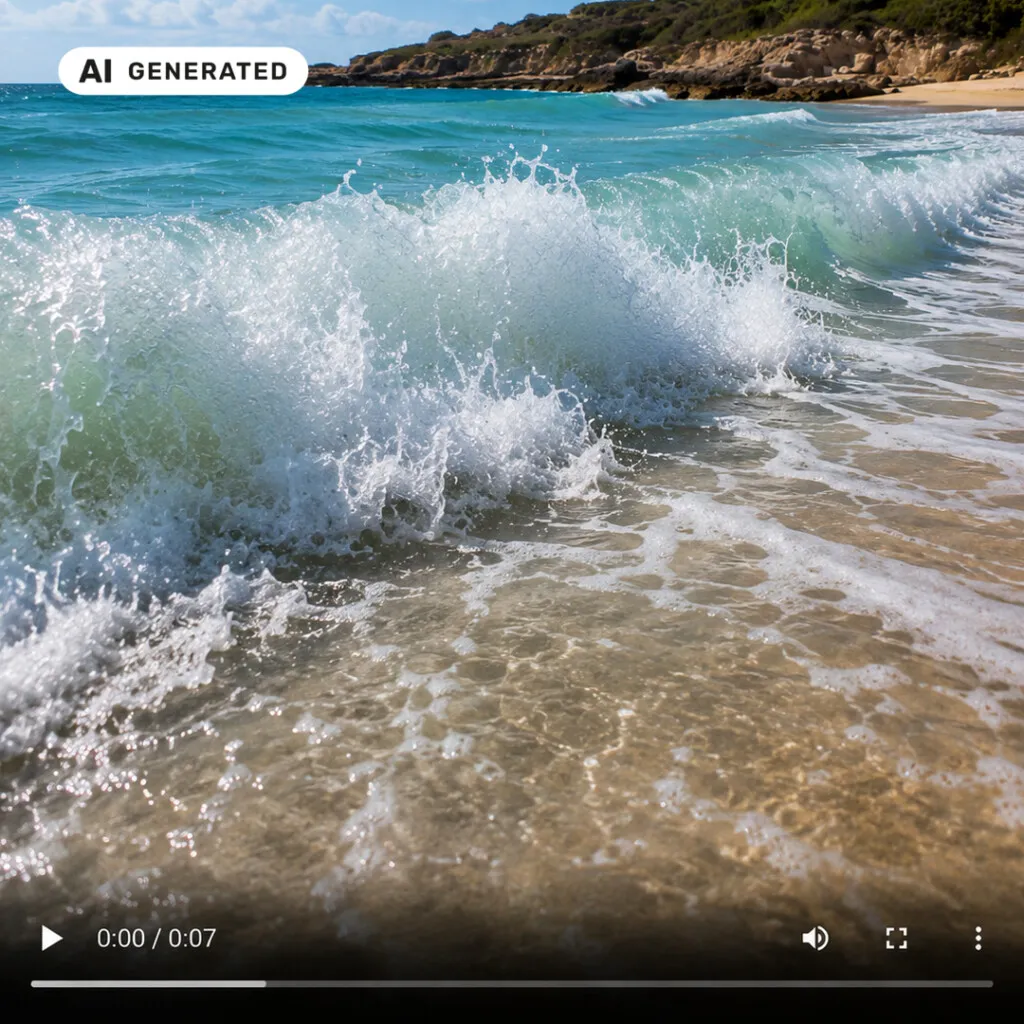
C2PA is an open standard for Content Credentials that makes it possible to attach machine-readable information about a digital asset’s origin and history to the file.
Kontainer supports Content Credentials and lets you register AI status and control C2PA and AI labeling at download. This makes it easier to preserve information about a file’s origin as it’s distributed across different channels.
Can we stream video directly from Kontainer?
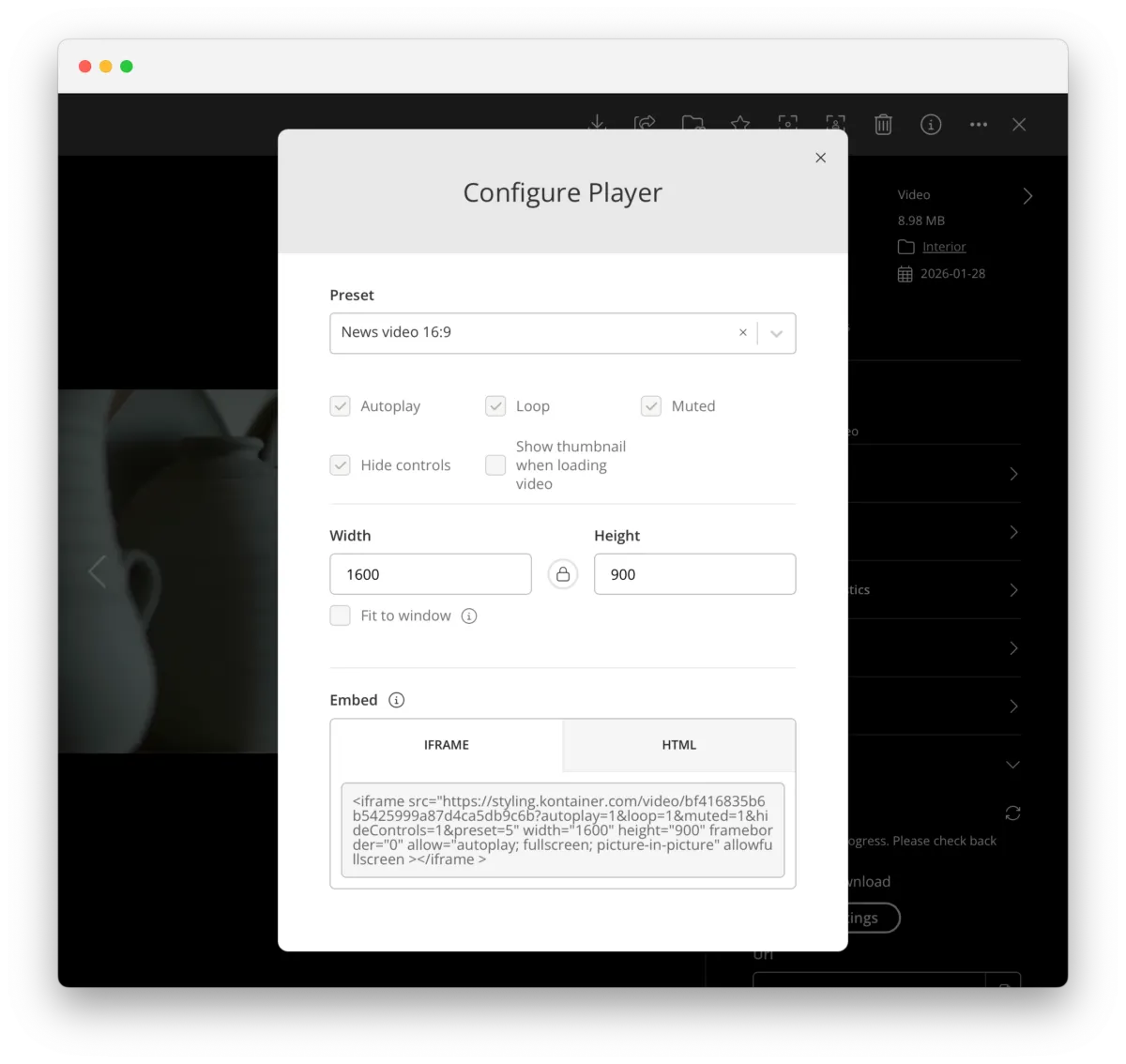
Yes. With Kontainer Video CDN, videos can be streamed directly from your DAM. You can generate direct links or use IFRAME and HTML embed codes to publish video on websites, webshops, intranets, and other digital platforms.
The player can be configured with, among other things, autoplay, loop, mute, controls, and different sizes.
Do we need to store different versions of the same video?
Not necessarily. With video download templates, you can keep a single master file in Kontainer and generate different versions whenever they’re needed.
This reduces the number of duplicates and makes it easier to ensure users always start from the correct master video.
Can we control who is allowed to download and distribute videos?
Yes. Kontainer’s access and permission management can be used to determine which users and user groups have access to specific videos and download options.
For example, you can give different user groups access to different video download templates, so internal teams, agencies, and distribution partners get exactly the formats they need.
Which file formats can we upload and stream in Kontainer?
Kontainer supports a wide range of video formats for upload and streaming, including MP4, MOV, AVI, MKV, WEBM, WMV, and MXF, among others. At download, you can then convert to the format you need via your video download templates – so you’re not limited by the format the material was originally delivered in.
Who is Kontainer's video DAM solution for?
Kontainer’s video DAM is built for organizations that need a professional, secure, and scalable video hosting solution. It supports marketing teams, communications departments, HR, training, and global brands that need structured video management and secure distribution. With dedicated customer support and onboarding guidance, Kontainer ensures a smooth implementation and long-term success.